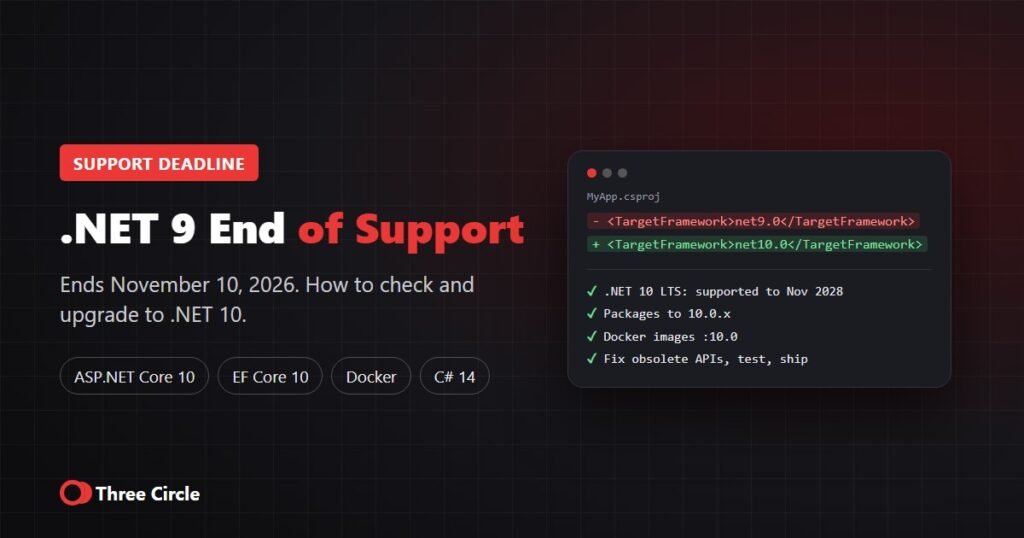
With .NET 8 support ending on November 10, 2026, most teams are moving their applications to .NET 10, the current long-term support release. This is a technical guide for developers and tech leads: the exact steps, the breaking changes that matter when you jump from .NET 8 straight to .NET 10, the errors you are likely to see and how to fix them.
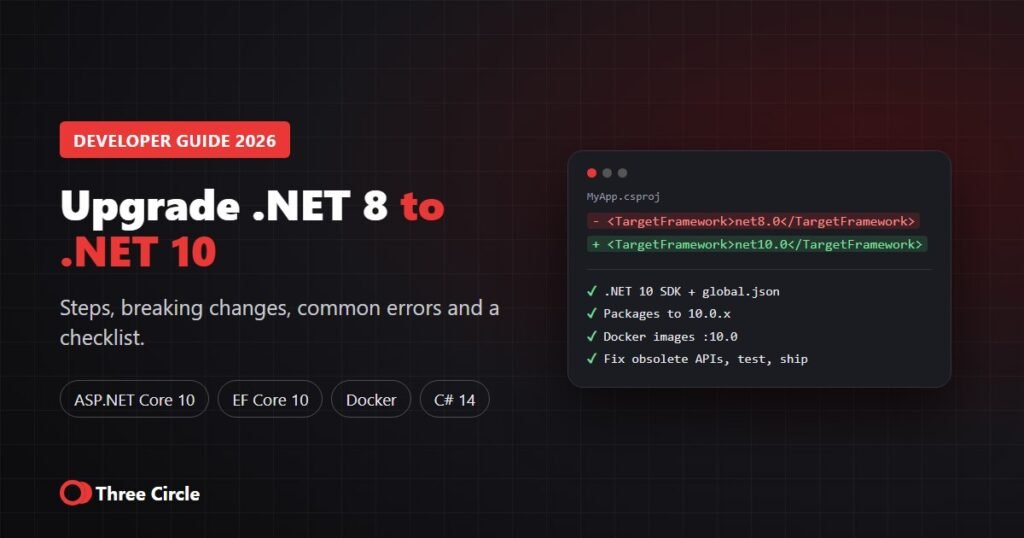
Short answer: to upgrade, install the .NET 10 SDK, change <TargetFramework>net8.0</TargetFramework> to net10.0, update Microsoft packages such as ASP.NET Core and EF Core to version 10, switch Docker images to the :10.0 tags, fix obsolete-API warnings and run your tests. Because you skip .NET 9, review the breaking changes of both .NET 9 and .NET 10. For a single well-tested application, Three Circle estimates a few days to 2 weeks.
Before you start: upgrade checklist
| Check | Why it matters |
|---|---|
| List every project, service, function and container on .NET 8 | Background services and Azure Functions are often forgotten |
| Check third-party NuGet packages support .NET 10 | One unmaintained package can block the whole upgrade |
| Make sure automated tests run and pass on .NET 8 | You need a working baseline to compare against |
| Check hosting: Azure App Service, AWS, IIS, Docker, Kubernetes | The runtime must be available where you deploy |
| Update Visual Studio or your IDE | Older IDE versions cannot target .NET 10; use Visual Studio 2026 or current VS Code tooling |
| Agree a rollback plan | Keep the .NET 8 build ready until production is stable |
Step-by-step: how to upgrade from .NET 8 to .NET 10
- Install the .NET 10 SDK on developer machines and build agents, and update
global.jsonif you pin the SDK (for example"version": "10.0.100"). - Change the target framework in every project file from
net8.0tonet10.0. If you useDirectory.Build.props, change it there once. - Update packages: move
Microsoft.AspNetCore.*,Microsoft.EntityFrameworkCore.*andMicrosoft.Extensions.*packages to 10.0.x, then update third-party packages.dotnet list package --outdatedshows what needs updating. - Update Docker images: use
mcr.microsoft.com/dotnet/sdk:10.0to build andmcr.microsoft.com/dotnet/aspnet:10.0to run. The default images now use Ubuntu instead of Debian, so check anyapt-getpackage names in your Dockerfile. - Update CI/CD and hosting: set the .NET 10 SDK in GitHub Actions or Azure DevOps, and the .NET 10 runtime stack in Azure App Service, Azure Functions or AWS.
- Build and fix warnings: treat obsolete-API warnings as a to-do list; the most common ones are listed below.
- Test and release in stages: run unit, integration and performance tests, deploy to staging, then production.
Breaking changes that matter when moving from .NET 8
Going from .NET 8 to .NET 10 means you also take on the .NET 9 changes. These are the ones we see most often in business applications. Microsoft publishes the full lists for .NET 10, ASP.NET Core 10 and EF Core 10.
| Area | Change | What to do |
|---|---|---|
| .NET 9 libraries | BinaryFormatter was removed and now always throws | Move to System.Text.Json or another supported serializer |
| EF Core 9 | Applying migrations fails if the model has changes with no migration (PendingModelChangesWarning) | Add the missing migration before deploying |
| ASP.NET Core 10 | WebHostBuilder, IWebHost and WebHost are obsolete | Move to WebApplication.CreateBuilder or the generic host |
| ASP.NET Core 10 | Cookie login redirects are disabled for known API endpoints | APIs now return 401/403 instead of redirecting; check API clients |
| ASP.NET Core 10 | WithOpenApi extension method is deprecated | Use the built-in OpenAPI document configuration |
| ASP.NET Core 10 | Razor runtime compilation and IActionContextAccessor are obsolete | Use Hot Reload in development; inject what you need instead |
| EF Core 10 | Collections in LINQ Contains() are sent as multiple SQL parameters | Check the performance of queries with very large lists |
| EF Core 10 | With UseAzureSql, JSON columns use the new SQL Server json type | Review the generated migration before applying it |
| EF Core 10 | EF tools need --framework on multi-targeted projects | Add --framework net10.0 to dotnet ef commands |
| Containers | Default images use Ubuntu | Fix apt-get package names; test the image |
| SDK | dotnet restore audits transitive packages for vulnerabilities | Expect new NuGet warnings; update or pin patched versions |
| SDK | A PackageReference without a version is an error; dotnet new sln creates .slnx files | Add versions or use central package management |
Common upgrade errors and how to fix them
| Error or symptom | Fix |
|---|---|
| NETSDK1045: the current .NET SDK does not support targeting .NET 10.0 | Install the .NET 10 SDK and update global.json and build agents |
| New NuGet vulnerability warnings after restore | Update the affected packages or add a direct reference to a patched version |
| Build warnings about obsolete APIs | Follow the replacement named in each warning; fix them before they become errors |
| “The model has pending changes” when applying EF migrations | Run dotnet ef migrations add and review the result |
| Docker build fails at apt-get | Package names differ on Ubuntu; update the Dockerfile |
| API clients now get 401 instead of a login page | Expected in ASP.NET Core 10 for API endpoints; update the client handling |
What you gain with .NET 10
- Support until November 2028 as a long-term support release.
- Performance: runtime improvements in JIT inlining, devirtualization and stack allocation.
- C# 14: the field keyword for properties, extension members and null-conditional assignment.
- ASP.NET Core 10: passkey support in Identity, OpenAPI and minimal API improvements, and Blazor updates.
- EF Core 10: named query filters, LINQ improvements and better Azure Cosmos DB support.
How long does the upgrade take?
| Situation | Typical effort |
|---|---|
| One application, up-to-date packages, good automated tests | A few days to 2 weeks |
| Several apps or services, some outdated packages | 2 to 6 weeks |
| Large estate, old libraries, limited tests | 1 to 3 months, delivered in phases |
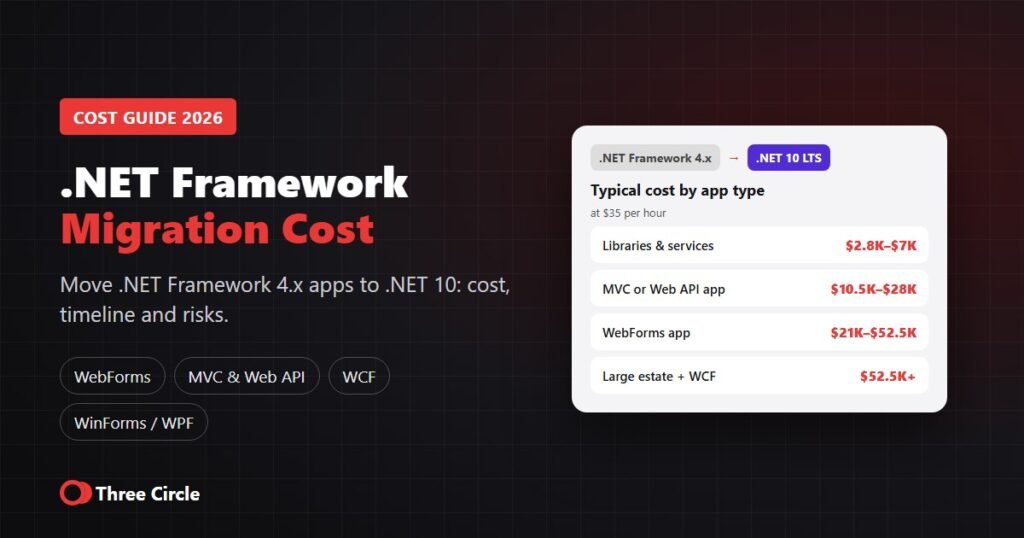
Still on .NET Framework 4.x rather than .NET 8? That is a bigger project; see our .NET Framework migration cost guide. For deadlines and options, read .NET 8 end of support: what to do now.
Get help with your .NET 10 upgrade
Three Circle is an ASP.NET development company registered in Texas and working with clients across the US. We upgrade .NET 8 and .NET 9 applications to .NET 10 and support them afterwards. See our .NET migration services or hire dedicated .NET developers. Rates start from $35 per hour, projects from $1,000, and every upgrade starts with a written estimate. Request a free upgrade assessment.
Frequently asked questions
Install the .NET 10 SDK, change the target framework from net8.0 to net10.0, update Microsoft and third-party packages, switch Docker images to the 10.0 tags, fix obsolete-API warnings, then test and deploy in stages.
Yes. You can go straight to .NET 10, but review the breaking changes of both .NET 9 and .NET 10, such as the removal of BinaryFormatter in .NET 9.
For most web apps: WebHostBuilder and WithOpenApi are obsolete, API endpoints no longer redirect to cookie login pages, EF Core sends Contains() lists as multiple parameters, default Docker images use Ubuntu and dotnet restore audits transitive packages.
A single well-tested application usually takes a few days to 2 weeks; several services 2 to 6 weeks; large estates 1 to 3 months in phases.
You need an IDE version that supports .NET 10, such as Visual Studio 2026 or current VS Code C# tooling. You can also build from the command line with the .NET 10 SDK.
.NET 10 is a long-term support release, supported until November 2028.