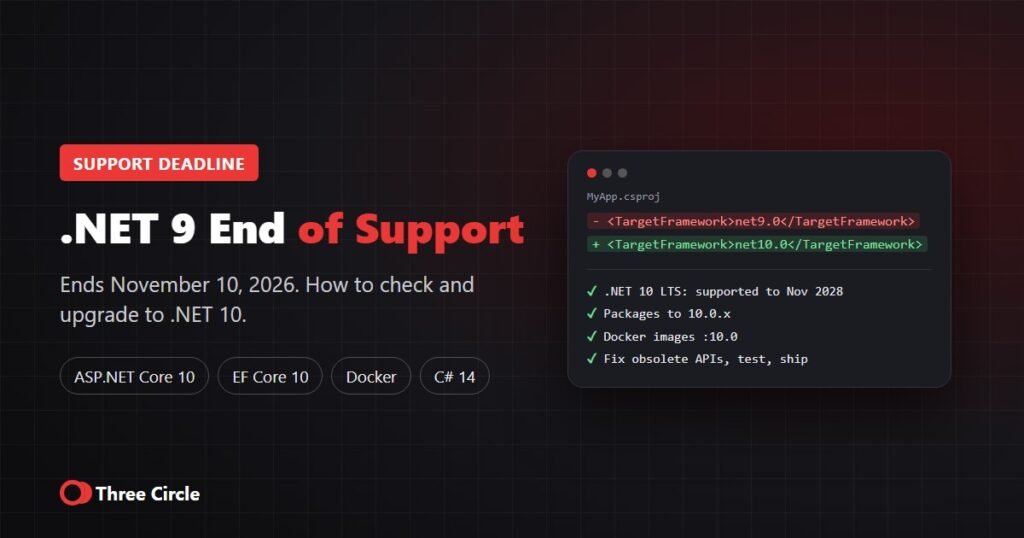
.NET 9 was released in November 2024 as a standard-term support (STS) release. Many teams expected its support to end in May 2026, but Microsoft extended STS support from 18 to 24 months. This guide explains when .NET 9 support ends, what that means for your applications and how to move to .NET 10.
Short answer: .NET 9 reaches end of support on November 10, 2026, the same day as .NET 8. After that date Microsoft stops releasing security fixes for it. The recommended path is to upgrade to .NET 10, the current long-term support (LTS) release, supported until November 2028. Moving from .NET 9 to .NET 10 is one of the smallest upgrades in .NET: for a single well-tested application, Three Circle estimates one day to 1 week.
.NET support dates at a glance
| Version | Release type | End of support |
|---|---|---|
| .NET 8 | LTS | November 10, 2026 |
| .NET 9 | STS (extended to 24 months) | November 10, 2026 |
| .NET 10 | LTS | November 2028 |
Microsoft publishes the official dates on the .NET releases and support page.
What end of support means for a .NET 9 app
- No more security patches: new vulnerabilities found after November 10, 2026 will not be fixed in .NET 9.
- Your app keeps running: nothing switches off, but every month on an unsupported runtime adds risk.
- Compliance checks may fail: security audits, cyber insurance questionnaires and frameworks such as SOC 2, HIPAA and PCI DSS usually expect supported software.
- Hosting and tooling move on: cloud platforms, container images and NuGet packages gradually drop unsupported versions.
How to check if your applications use .NET 9
- Search your project files for
<TargetFramework>net9.0</TargetFramework>(also checkDirectory.Build.props). - Run
dotnet --list-runtimeson servers to see which runtimes are installed. - Check Dockerfiles for
mcr.microsoft.com/dotnet/aspnet:9.0orsdk:9.0images. - In Azure App Service or Azure Functions, check the stack setting of each app for .NET 9.
- Check CI/CD pipelines and
global.jsonfor a pinned 9.0 SDK.
How to upgrade from .NET 9 to .NET 10
- Install the .NET 10 SDK on developer machines and build agents, and update
global.jsonif you pin the SDK. - Change the target framework from
net9.0tonet10.0in every project file. - Update packages: move
Microsoft.AspNetCore.*,Microsoft.EntityFrameworkCore.*andMicrosoft.Extensions.*to 10.0.x, then third-party packages (dotnet list package --outdated). - Update Docker images to the
:10.0tags. The default images now use Ubuntu instead of Debian, so checkapt-getpackage names. - Update CI/CD and hosting to the .NET 10 SDK and runtime stack.
- Build, fix obsolete-API warnings, test and release in stages.
Because .NET 9 already includes the .NET 9 breaking changes (such as the removal of BinaryFormatter), you only need to review the .NET 10 breaking changes. Coming from .NET 8 instead? Read our .NET 8 to .NET 10 upgrade guide.
.NET 10 breaking changes to check when coming from .NET 9
| Area | Change | What to do |
|---|---|---|
| ASP.NET Core 10 | WebHostBuilder, IWebHost and WebHost are obsolete | Move to WebApplication.CreateBuilder or the generic host |
| ASP.NET Core 10 | Cookie login redirects are disabled for known API endpoints | APIs now return 401/403 instead of redirecting; check API clients |
| ASP.NET Core 10 | WithOpenApi extension method is deprecated | Use the built-in OpenAPI document configuration |
| EF Core 10 | Collections in LINQ Contains() are sent as multiple SQL parameters | Check the performance of queries with very large lists |
| EF Core 10 | EF tools need --framework on multi-targeted projects | Add --framework net10.0 to dotnet ef commands |
| Containers | Default images use Ubuntu | Fix apt-get package names; test the image |
| SDK | dotnet restore audits transitive packages for vulnerabilities | Expect new NuGet warnings; update or pin patched versions |
How long does a .NET 9 to .NET 10 upgrade take?
| Situation | Typical effort | Estimated cost at $35/hr |
|---|---|---|
| One application, up-to-date packages, good automated tests | 1 day to 1 week | $280–$1,400 |
| Several apps or services, some outdated packages | 1 to 4 weeks | $1,400–$5,600 |
| Large estate, old libraries, limited tests | 1 to 2 months, in phases | From about $5,600 |
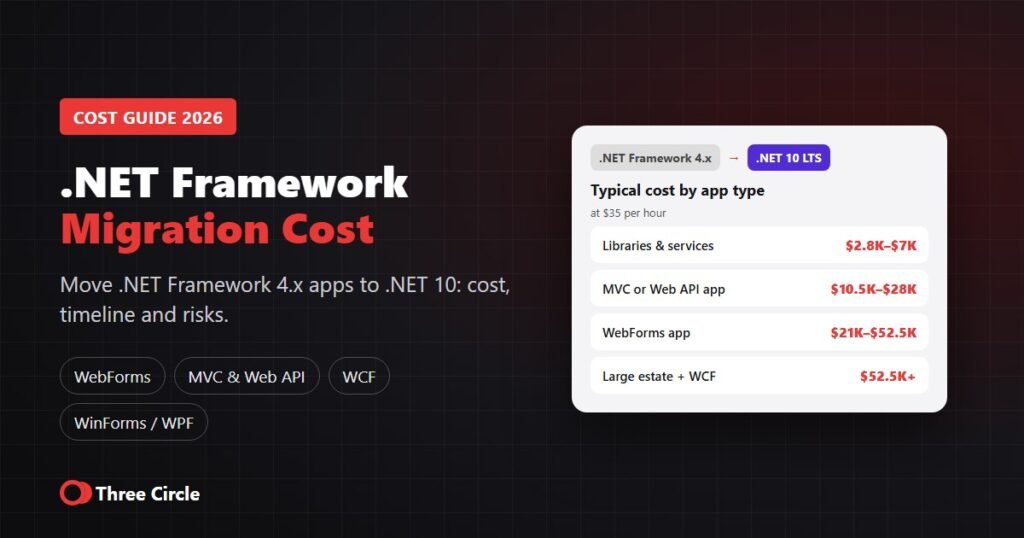
These are typical ranges for planning; we confirm scope and price in a written estimate. Still on .NET Framework 4.x? That is a bigger project: see our .NET Framework migration cost guide. For .NET 8 apps, read .NET 8 end of support: what to do now.
Get help upgrading from .NET 9
Three Circle is an ASP.NET development company registered in Texas and working with clients across the US. We upgrade .NET 8 and .NET 9 applications to .NET 10 and support them afterwards. See our .NET migration services or hire dedicated .NET developers. Rates start from $35 per hour, projects from $1,000, and every upgrade starts with a written estimate. Request a free upgrade assessment.
Frequently asked questions
.NET 9 support ends on November 10, 2026, the same day as .NET 8. Microsoft extended standard-term support (STS) releases from 18 to 24 months.
No. .NET 9 is a standard-term support (STS) release. .NET 8 and .NET 10 are long-term support (LTS) releases.
Your applications keep running, but Microsoft no longer releases security fixes for .NET 9, and security audits and compliance checks may flag it as unsupported.
Yes. .NET 10 is the current long-term support release, supported until November 2028, and the upgrade from .NET 9 is usually small.
A single well-tested application usually takes one day to 1 week; several services 1 to 4 weeks; large estates 1 to 2 months in phases.
Look for net9.0 in the TargetFramework of your project files, run dotnet –list-runtimes on servers, and check Dockerfiles and Azure App Service stack settings for .NET 9.